How to retrieve the .ddp file from the ISCO Signature
This guide will show you how to download the stored data from an ISCO Signature system.
You will require a USB memory device with at least 1GB of storage capacity to download the data.
Step 1: Open the Signature by pulling open the 2 side clips: | 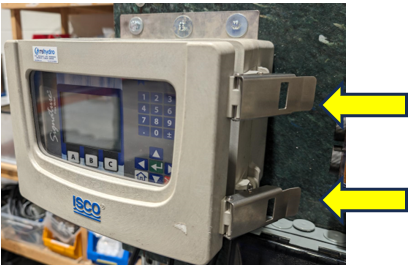 |
Step 2: Load the diagnostics ready for download:
| 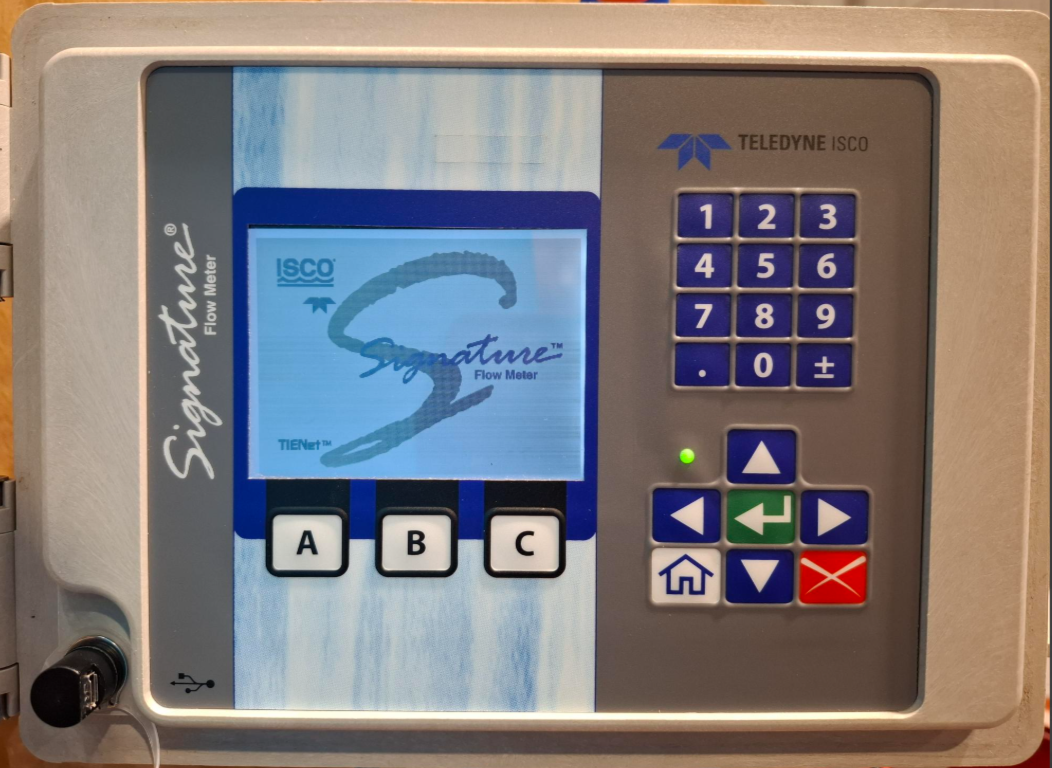 |
Step 3: Connect the USB adaptor:
| 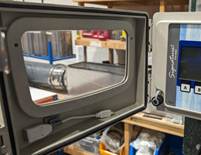 |
| Step 4: Now plug in your USB device to the adapter | 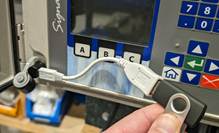 |
| Step 5: Download the data to your USB device:
| 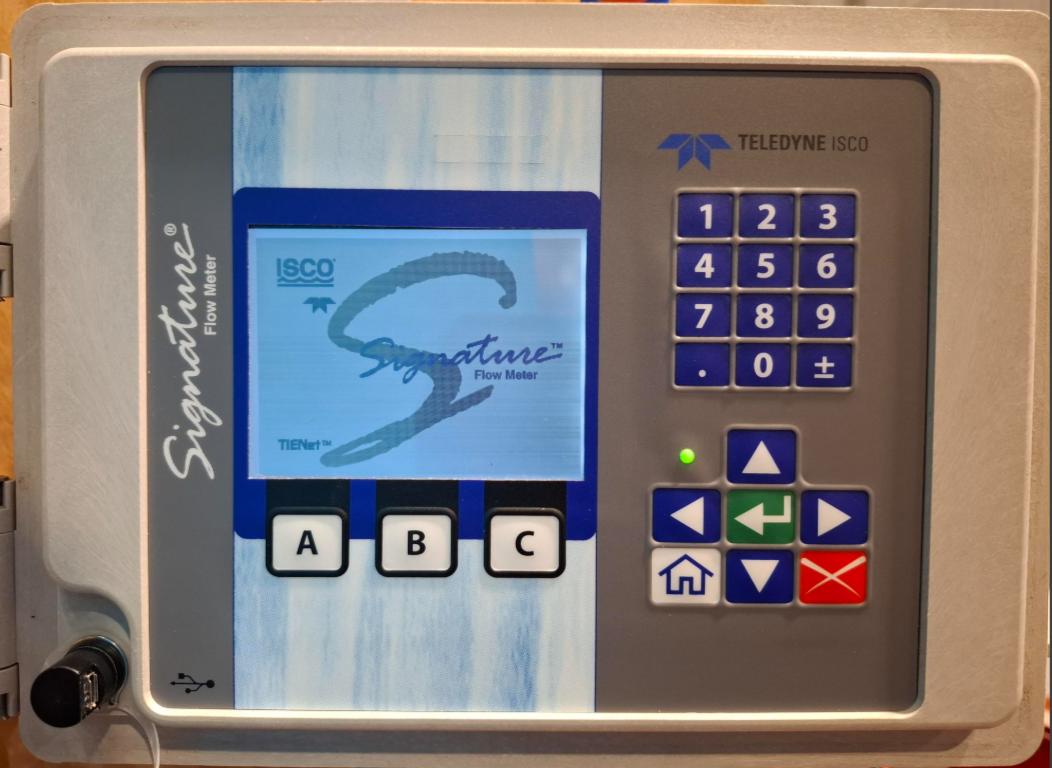 |
| Step 6: You can now plug the USB device into your computer to view the .ddp file. The .ddp file can be opened and reviewed using the Teledyne ISCO Flowlink software, details can be found by following the provided link. | https://www.teledyneisco.com/water-and-wastewater/flowlink |
Was this article helpful?
That’s Great!
Thank you for your feedback
Sorry! We couldn't be helpful
Thank you for your feedback
Feedback sent
We appreciate your effort and will try to fix the article